 Customer Support
 Contact Sales

 About
About


SMS Provider Profiles

The purpose of the SMS Provider Profile is to configure and manage the connection between Affino and an external SMS service provider, enabling the platform to send SMS messages for various functionalities such as Two-Factor Authentication (2FA), mobile verification, password resets, and message campaigns.
This provides a step-by-step guide on integrating an SMS service with Affino’s via the Webex Interact platform (formerly Text Local). It involves creating an API project in Webex Interact, obtaining an access token, and then configuring a new SMS provider profile in Affino using this token and other relevant details.
Set Up
Follow these steps in order to set up the SMS Provider Profile:
1.- Setting up the Webex Interact API Project
Access the Webex Interact platform via the this link (textlocal.com/webex-interact-25/). This is the initial step to begin the integration process.
2.- Create a new API project within the Webex Interact Developers section (app.webexinteract.com/developers/configurations/api). This project will handle the API key generation.
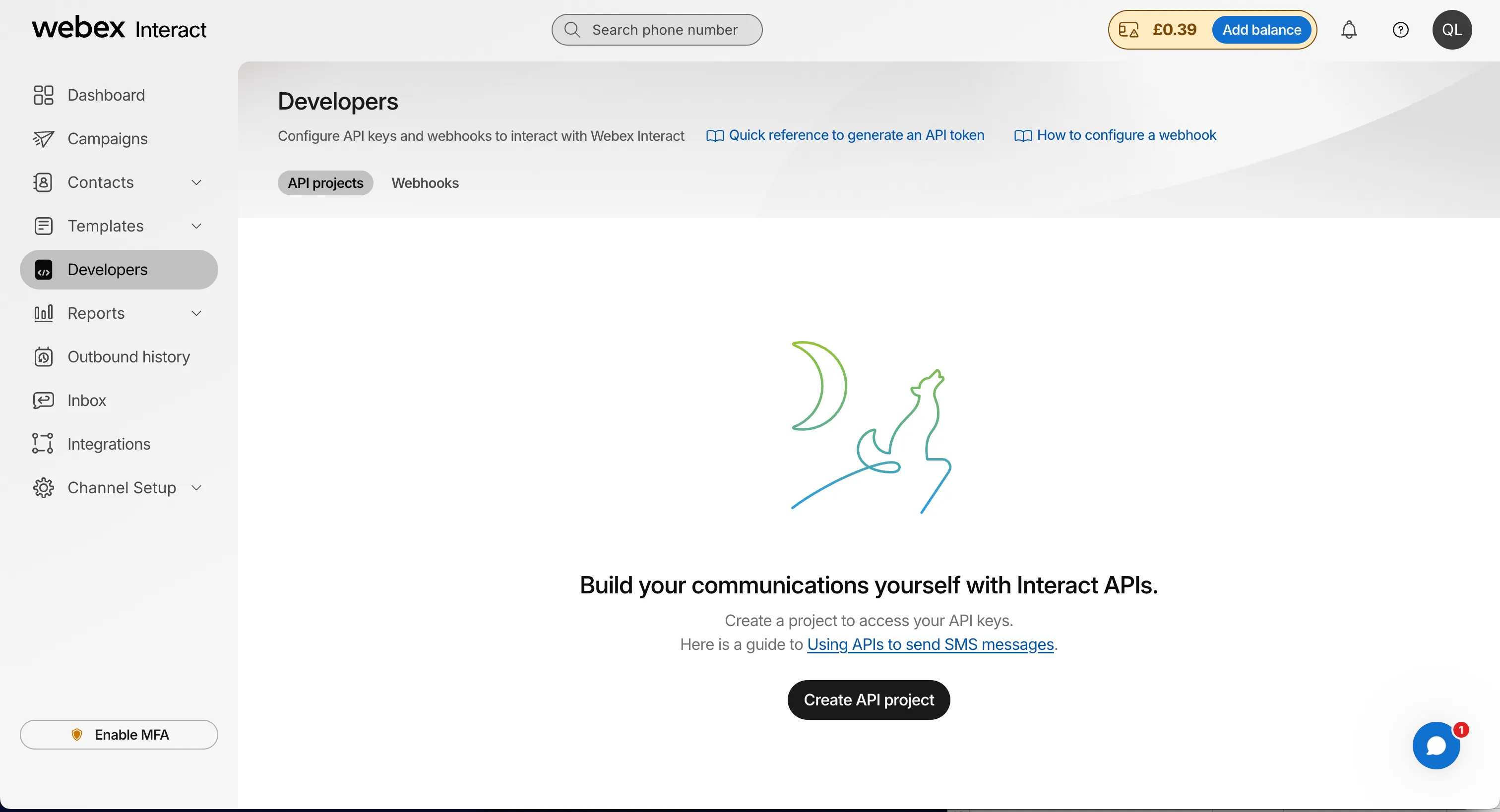
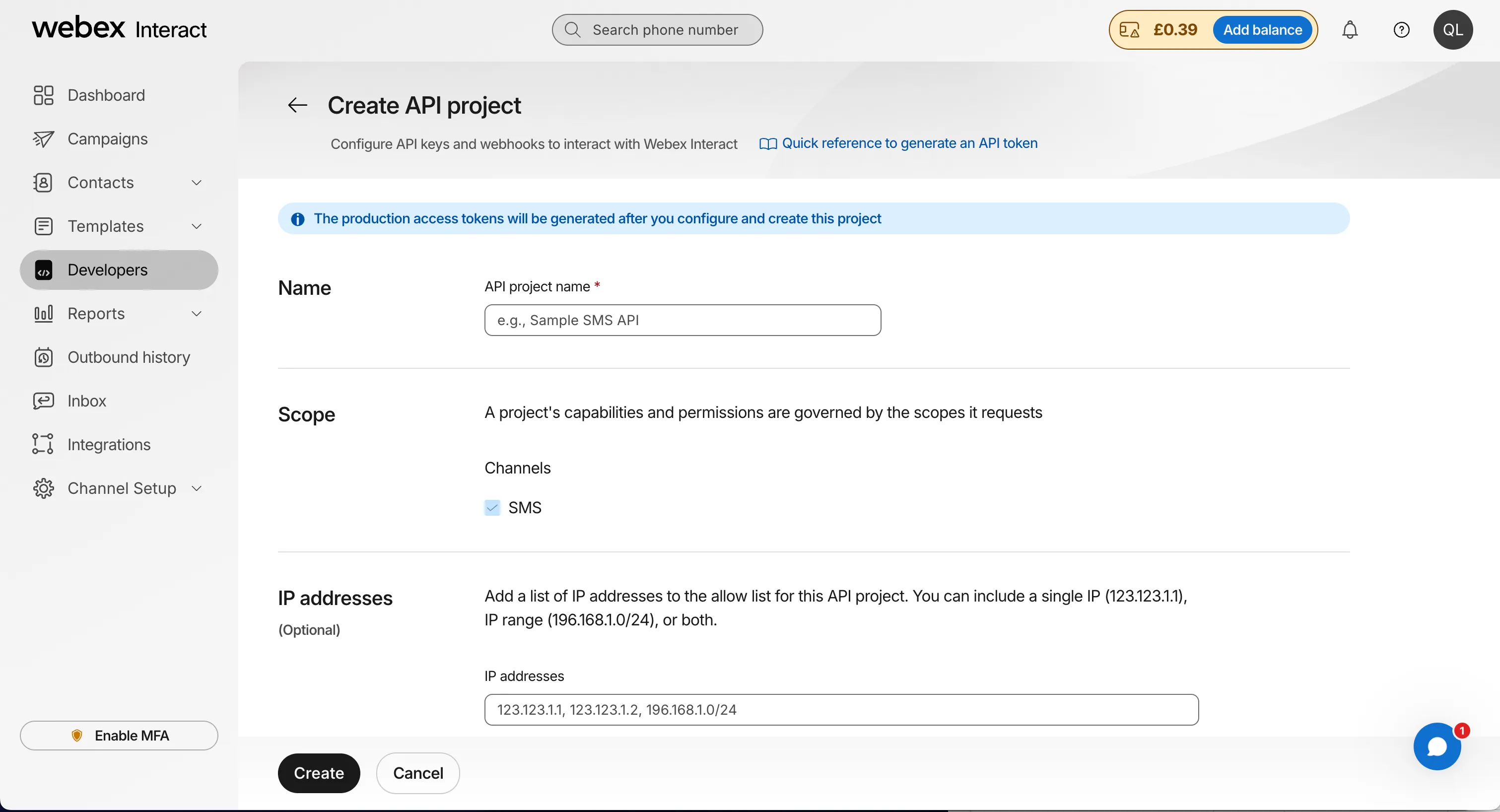
3.- After creating the project, an access token will be generated. This token is crucial for authentication and authorization within the Affino platform. Carefully copy this token.
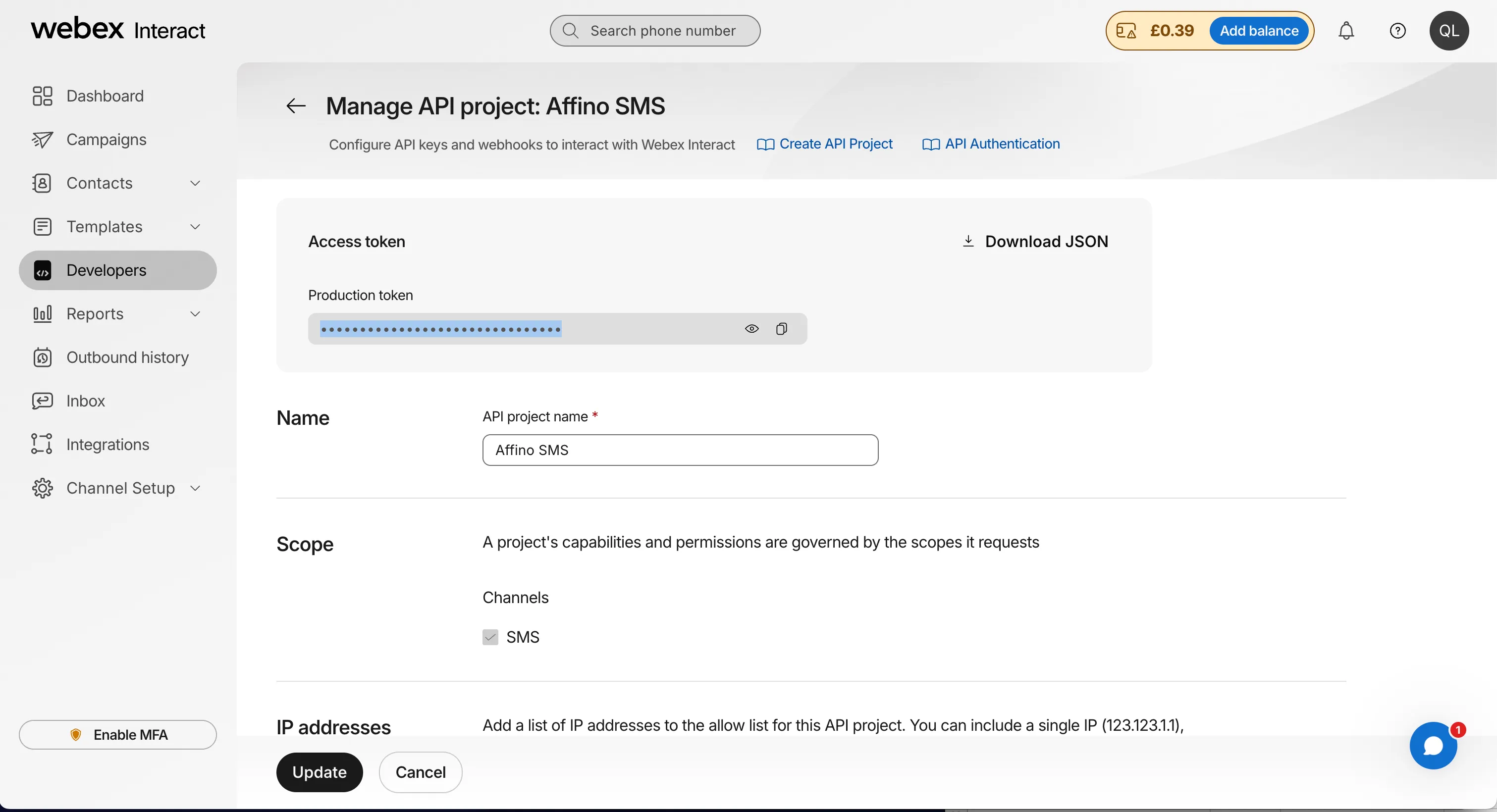
4.- The instructions emphasize the importance of securely storing and managing the generated access token. This token grants access to the Webex Interact API.
5.- Configuring Affino SMS Provider Profile
Navigate to the Control Centre and locate the SMS Provider Profiles screen:
- Control > System > SMS Provider Profiles
This is where the Webex Interact integration will be configured.
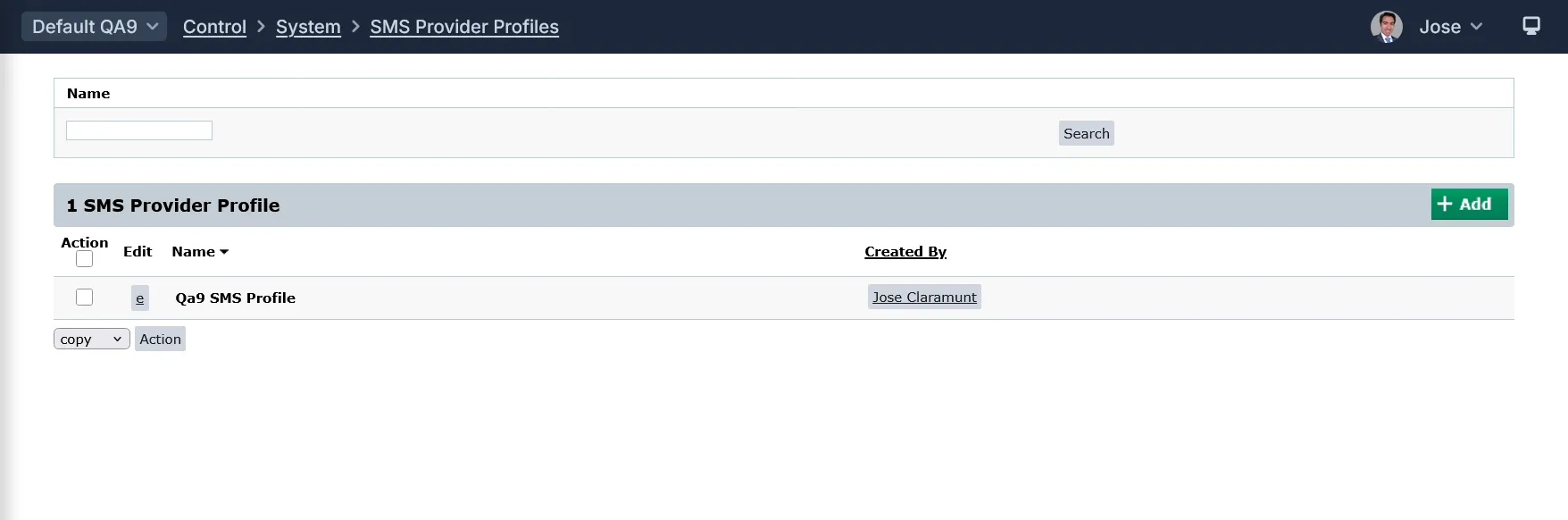
6.- Add a new SMS provider profile, selecting the Webex Interact logo. This initiates the configuration process for the new provider.
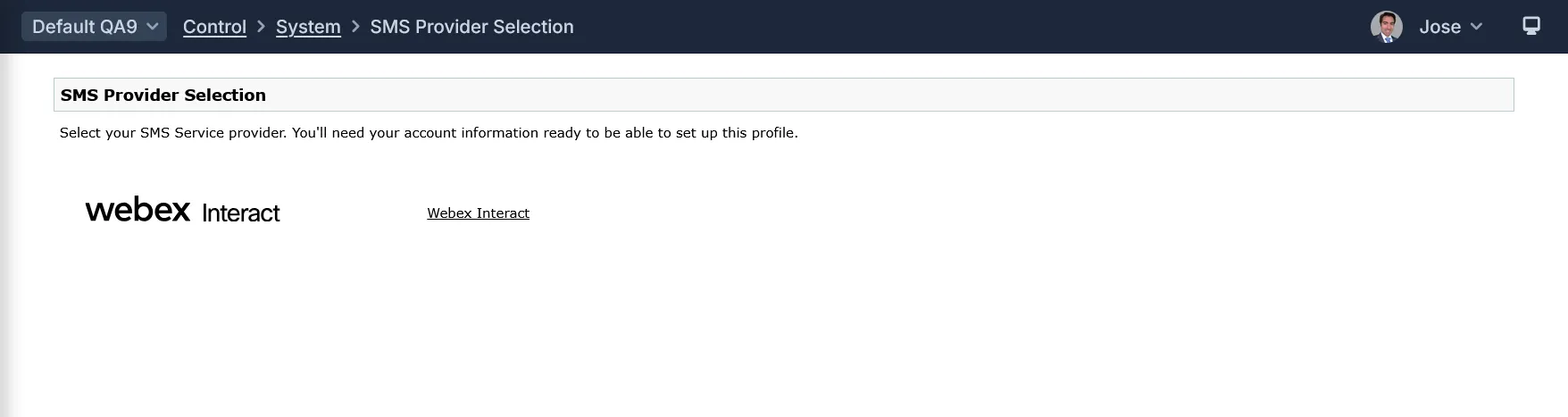
7.- Input the required information:
- Name: Enter the Name you wish to call this SMS Provider Profile
- Description: Enter a brief description of the profile or any additional information which outlines the purpose of the profile
- SMS Provider - Webex Interact: System field only, displays SMS Provider
- Webex Interact Access Token: Enter your API Key from Developers Panel on Webex Interact
- Webex Sender Name: Enter the Sender Name you created on Webex Interact Dashboard
- Test Mobile Number: Enter a test mobile number for sending out a test SMS message. If no mobile number is entered then no test will be sent. The number must start with the international prefix. The test message will be sent immediately, and the phone number removed. You will need to re-enter the mobile phone number for each test
8.- A test SMS can be sent using the optional test mobile number. This allows for immediate verification of the integration setup.
9.- To send automated messages to customers, select the SMS Provider Profile on the Message Campaign.
10.- To offer SMS authentication to login, select the SMS Provider Profile on the Login Profile.
11.- To offer SMS verification for resetting user's passwords, select the SMS Provider Profile on the Login Profile.
Did you find this content useful?
Thank you for your input
Thank you for your feedback

Driving business at some of the world's most forward thinking companies











Our Chosen Charity


Meetings:
Google Meet and Zoom
Venue:
Soho House, Soho Works +
Registered Office:
55 Bathurst Mews
London, UK
W2 2SB
© Affino 2026